CromaKit › Guides
Green screen backgrounds for TikTok (free, vertical)
TikTok's green screen effect puts you in front of any image, but the result depends heavily on the background you pick. Here is how to choose one that looks natural, how to use it step by step, and a selection of original CromaKit backgrounds, free in vertical 1080x1920.
What makes a background work on TikTok
A good green screen background doesn't fight you for attention. Look for a calmer center (where your face and body go), eye-level perspective, and lighting that resembles your room. If you film by a window in daylight, a warm, bright background will blend in better than a night-time street.
Format matters: TikTok is vertical 9:16, so a horizontal background gets cropped or stretched. Every CromaKit background is 1080x1920 so you keep full quality and the important parts of the image.
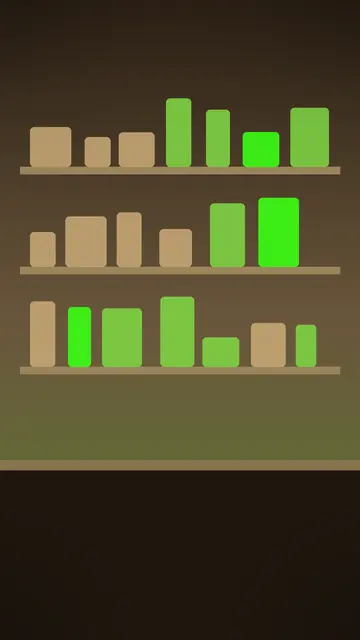
Match the background to the video type. Reactions need a clean set that leaves room for the clip; comedy sketches work best in a recognizable place like a family living room; product videos need a table or shelf where the product is the hero.
How to add a background to TikTok's green screen effect
- Download the background you want from its CromaKit kit page and save it to your phone's photos.
- In TikTok, open the camera, tap Effects and search for Green Screen.
- Pick the image from your photos as the background. The effect cuts you out and places you in front.
- Adjust your distance from the camera so you sit in the part of the scene that makes sense (behind a desk, center stage).
- Record a 3–5 second test, check the edges of the cut-out, and fix your lighting before filming the full video.
- If the kit includes a transparent PNG overlay, add it as a layer on top in your editor for frames, captions or scoreboards.
Lighting tips for a clean cut-out
- Light your face from the front with soft light: a window in front of you or a ring light at eye level.
- Avoid a window or bright lamp behind you; backlight makes the effect confuse your outline with the background.
- Step away from the wall so you don't cast hard shadows behind you.
- Don't wear the same color as your green screen (if you use real green fabric), shiny fabrics or very thin stripes.
- Warm background, warm light on your face: matching color temperature makes everything look filmed in one place.
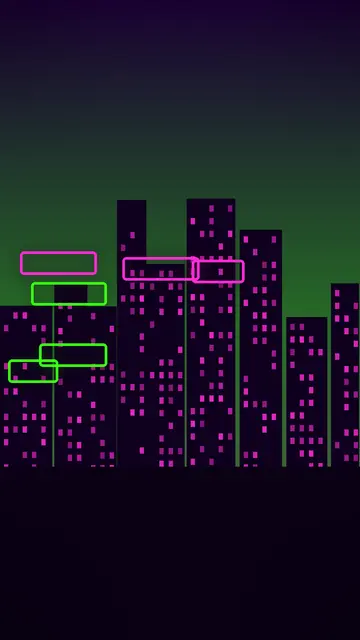
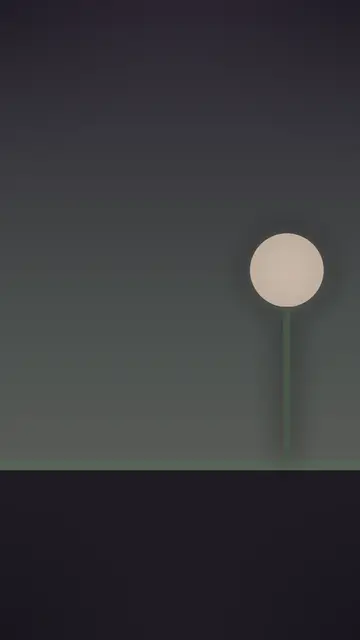
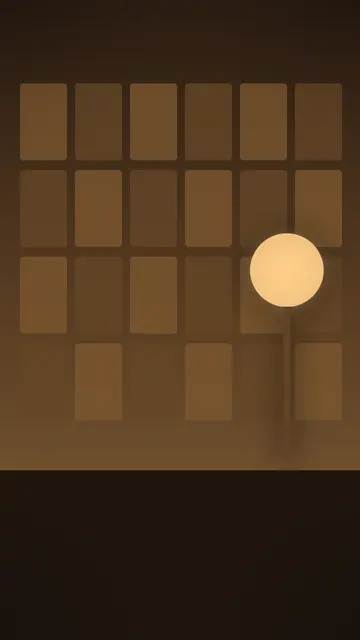
Recommended TikTok backgrounds
Works with any chroma key app: Green Screen Live, CapCut, VN and more.
FAQ
Are CromaKit backgrounds free?
Yes. Every kit has an original CromaKit background in 1080x1920 that you can download and use free in your videos.
What size should a TikTok green screen background be?
Vertical 9:16, such as 1080x1920 pixels, so it fills the screen without cropping or stretching.
Do I need a physical green screen for TikTok's effect?
No. TikTok's green screen effect cuts out your outline without fabric. With real green fabric and good lighting the edges are usually cleaner.
Can I use these backgrounds in Instagram Reels or CapCut?
Yes. The kits work with any chroma key app: Green Screen Live, CapCut, VN, and the TikTok or Instagram green screen effects.
Another guide: How to use a green screen: a step-by-step guide for TikTok and Reels